Guides · · 4 min read
Five tips for models that look great in the viewer
Scale, origins, texture sizes and more: small export habits that make a big difference once your model is online.
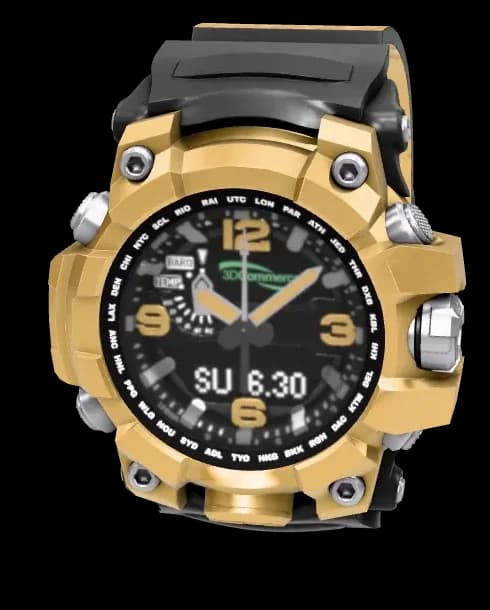
The ThreeDView viewer frames and lights every model automatically, but a few habits at export time help your work shine.
- Apply transforms, so scale and rotation are baked in.
- Centre the origin near the base of the model.
- Keep textures at 2K unless detail needs 4K: they load faster on phones.
- Use real metalness values: metal is 1, everything else is 0.
- Check normals point outwards, or surfaces may render dark.
Check it before you publish
When you upload a GLB, it previews in 3D right in the upload form. Orbit all the way round, including underneath, before you hit Publish.